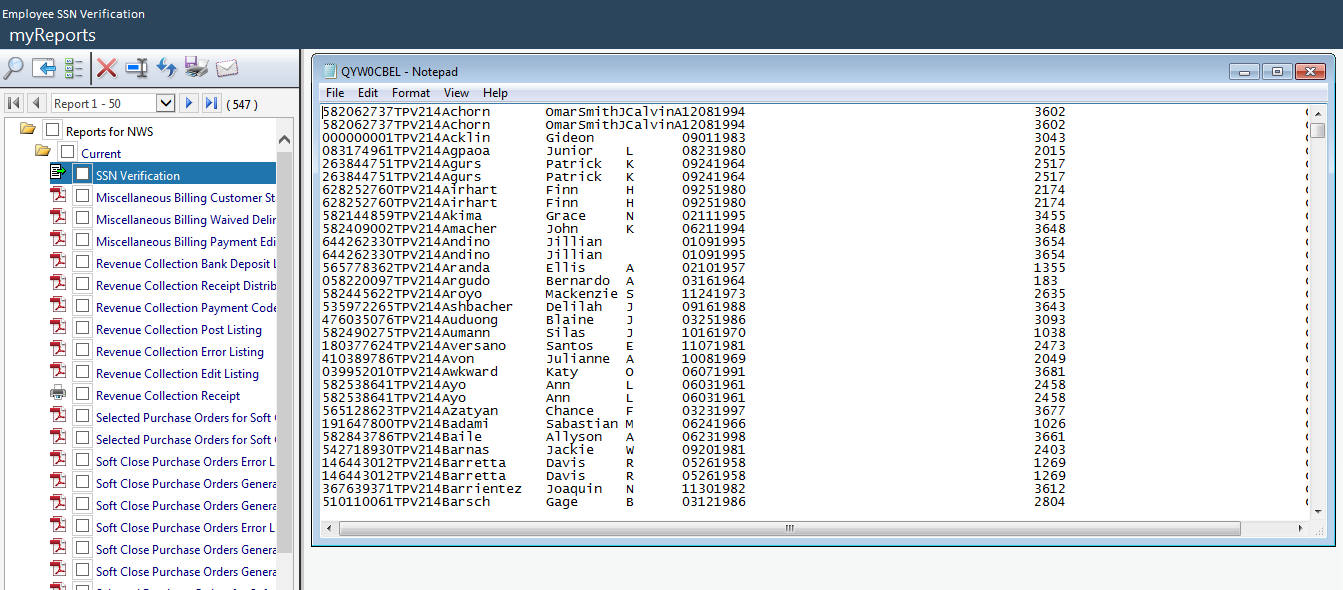
Employee SSN Verification
Human Resources > Reports > Employee Reports > Employee SSN Verification
Use this page to generate a transmittal file verifying employee social security numbers against Social Security Administration (SSN) records and confirming the accuracy of the W-2 file.
All employees who were part of a pay batch during the year will be submitted.
Note: Employers need to register with the SSA to submit a file.
 How to authorize a user to this transmittal
- Navigate to Maintenance > new world ERP Suite > Security > Users.
- Select the user.
- Click Permissions. The Permissions page opens. This page contains a grid of application components.
- In the Search Security Components field, type Employee SSN Verification. The grid refreshes to show only the Employee SSN Verification component.
- Mark the Full or Print process.
- Click Save.
For the authorization to take effect, the user will need to log off and log back on.